


Staff desks · guest stay screens

The room updates when the desk saves.

Zenit is the hotel platform behind the stay link. Front desk checks a guest in, issues a token for that room, and every department — food, laundry, spa, cabs, concierge — publishes straight onto that screen.

Secure room tokensRole-based staff loginGuest opens /stay/room

11 desks and more. One stay screen.

Open a desk for the full picture: what staff publish, what the guest sees, and the fields on each request. The house can still add the next one.

01Open

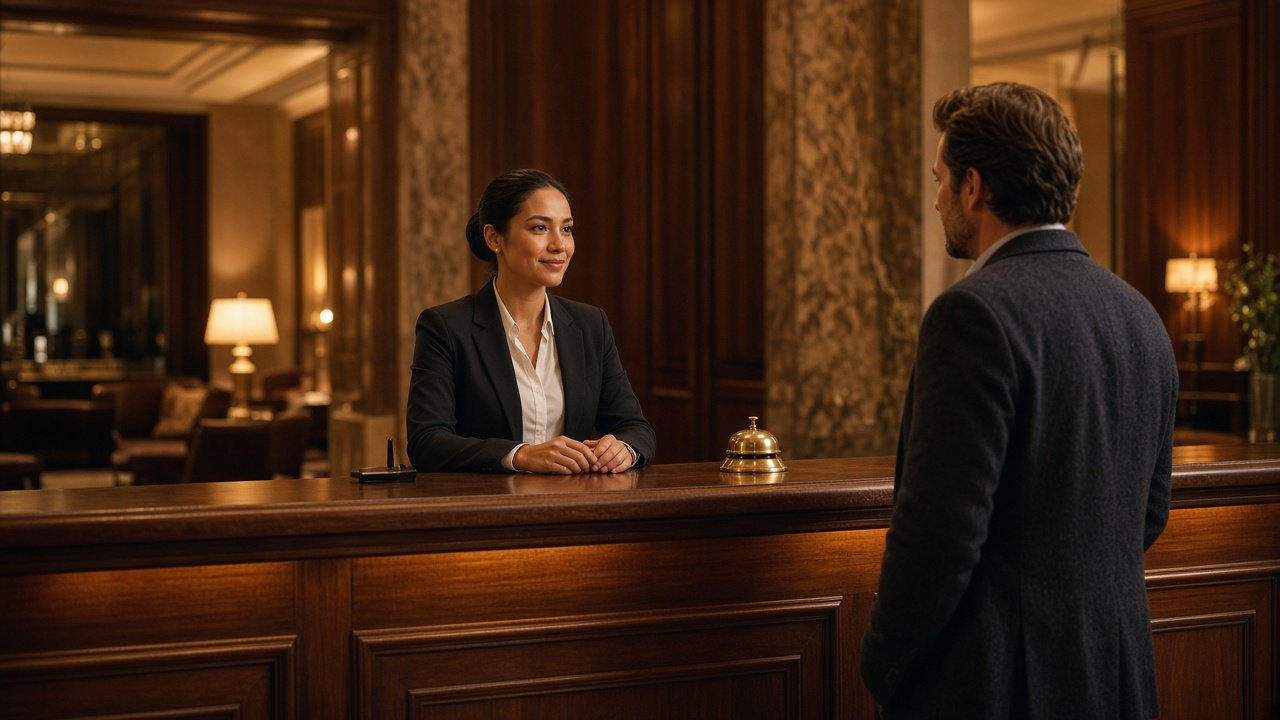
Front desk

Stay card & desk services

Check guests in, assign a room, and issue a stay link scoped to that room.

02Open

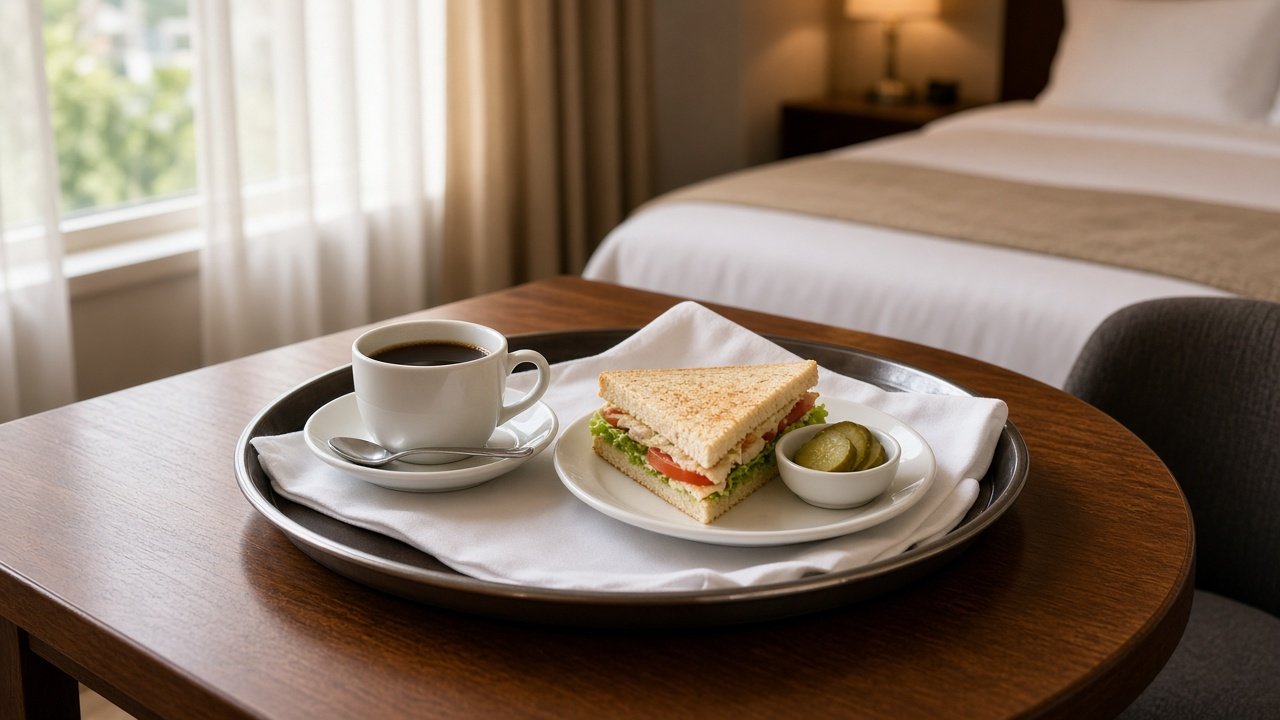
Food desk

Food service

Menus and room-service orders, saved on the food desk and shown on the guest screen.

03Open

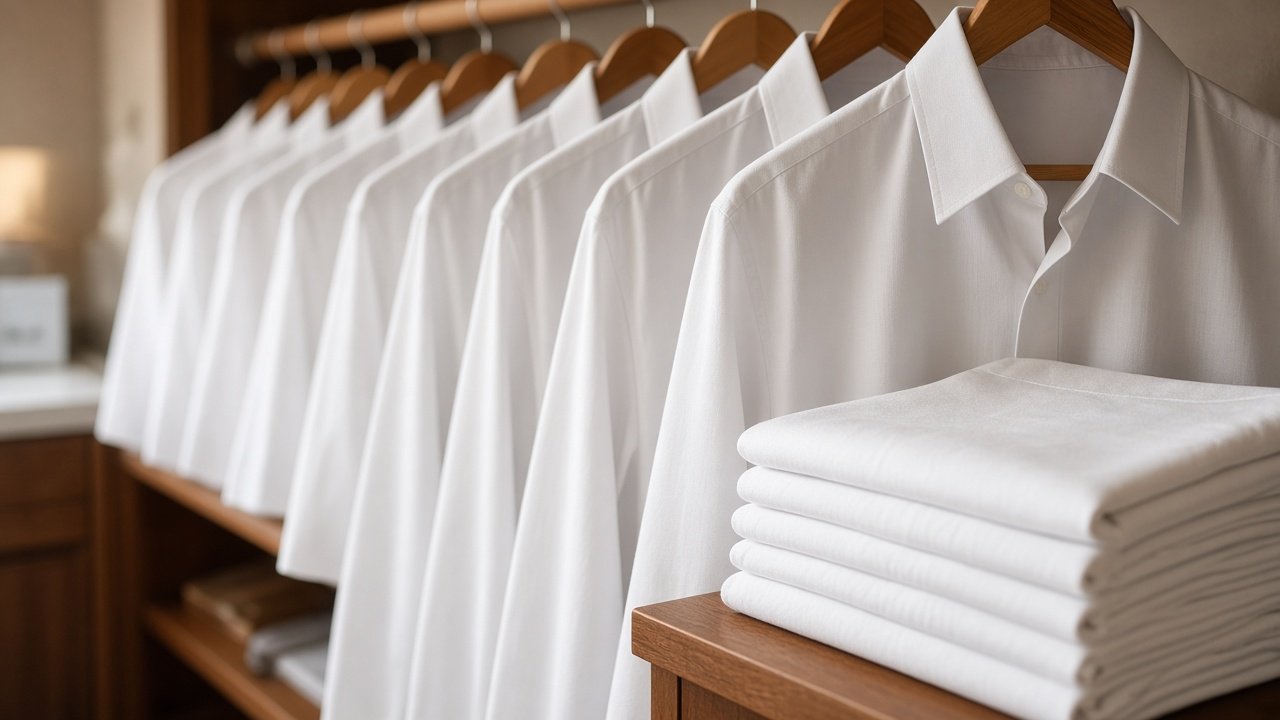
Laundry desk

Laundry

Catalog, pickup, and delivery tracked from the laundry desk to the guest's room.

04Open

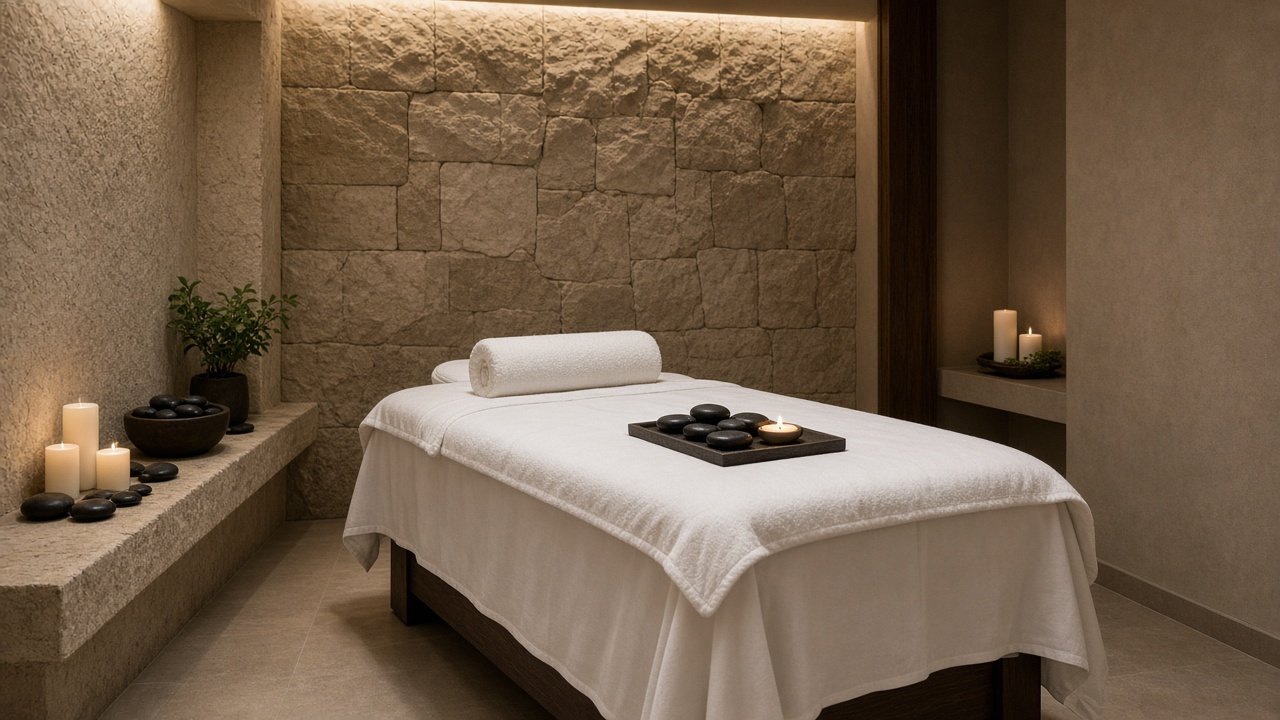
Spa desk

Spa

Treatments and appointment times the guest books from the room.

05Open

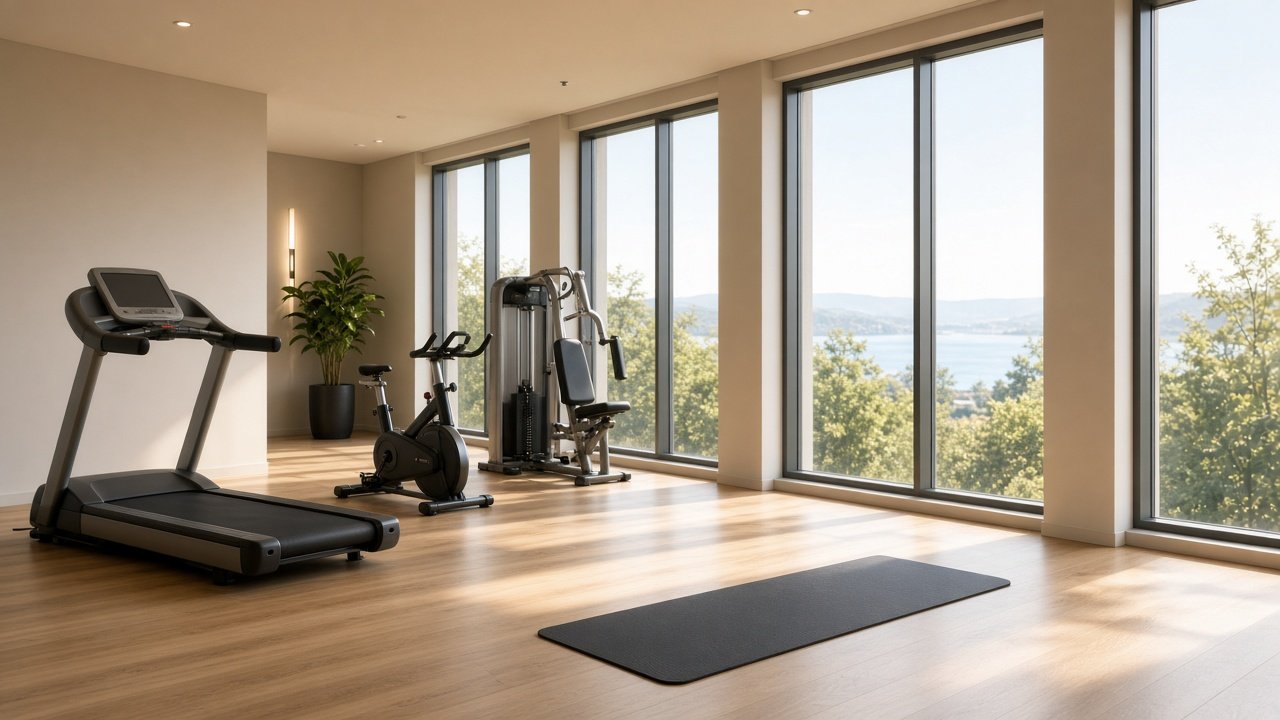
Fitness desk

Fitness

Gym hours, classes, and facility notes kept current on every stay screen.

06Open

Transport desk

Cab booking

Rates and categories on the guest screen. Vendors and drivers work from the partner app.

07Open

City info desk

City guide

Neighbourhood notes and local plans the concierge can refresh any time.

08Open

Currency desk

Forex

Buy and sell rates plus desk hours, published straight to the room.

09Open

Concierge desk

Concierge

Request categories the guest fills in with labeled fields, not a blank note.

10Open

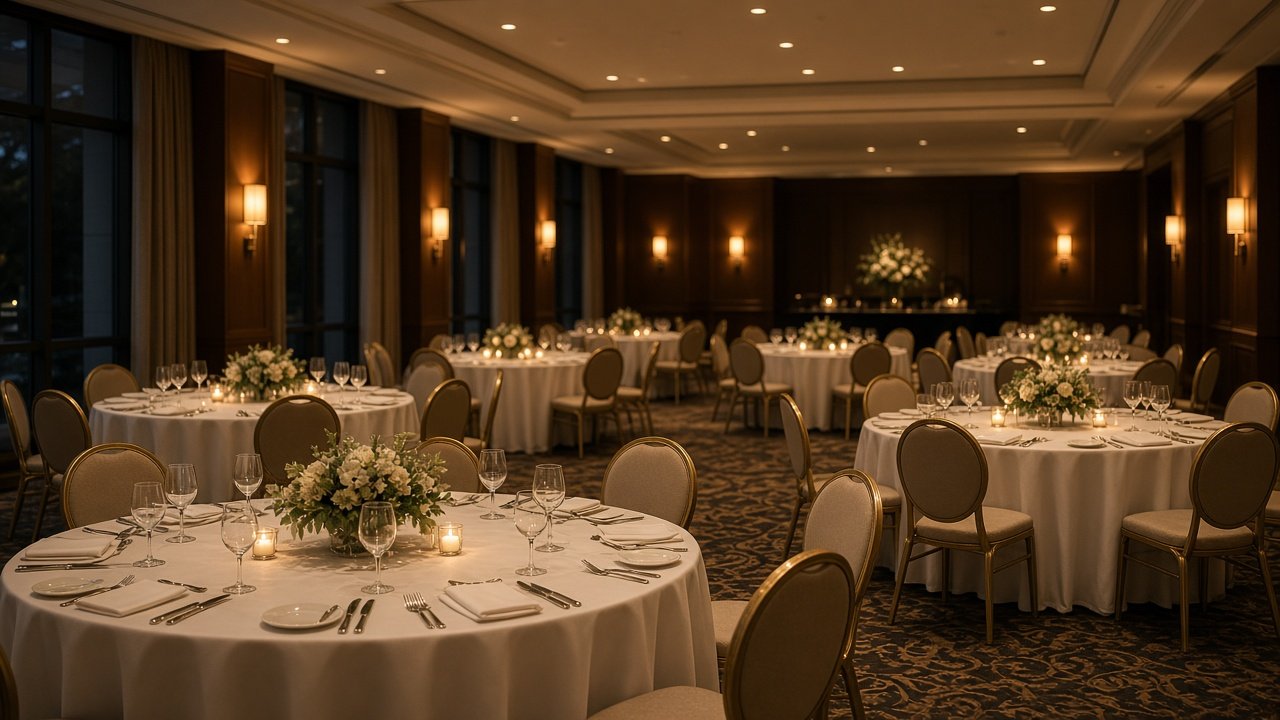
Banquet desk

Banquet

Halls and add-ons configured per property and shown to the guest.

11Open

Tickets desk

Tickets

Attractions and tours the guest books without calling the desk.

12Open

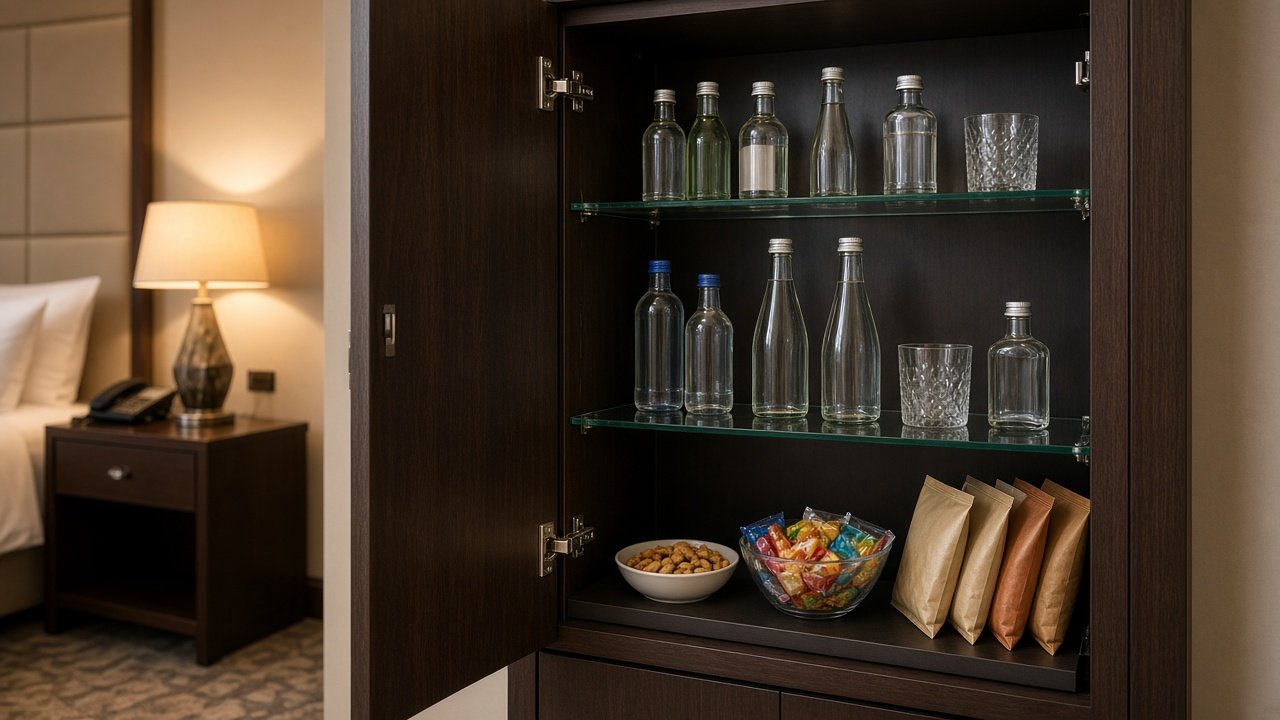
Minibar desk

In-room bar

A house list the guest orders from the room, the same way they order from the food desk.

13Open

Pool desk

Pool & beach

Hours, towel service, and cabana times published onto the stay screen.

14Open

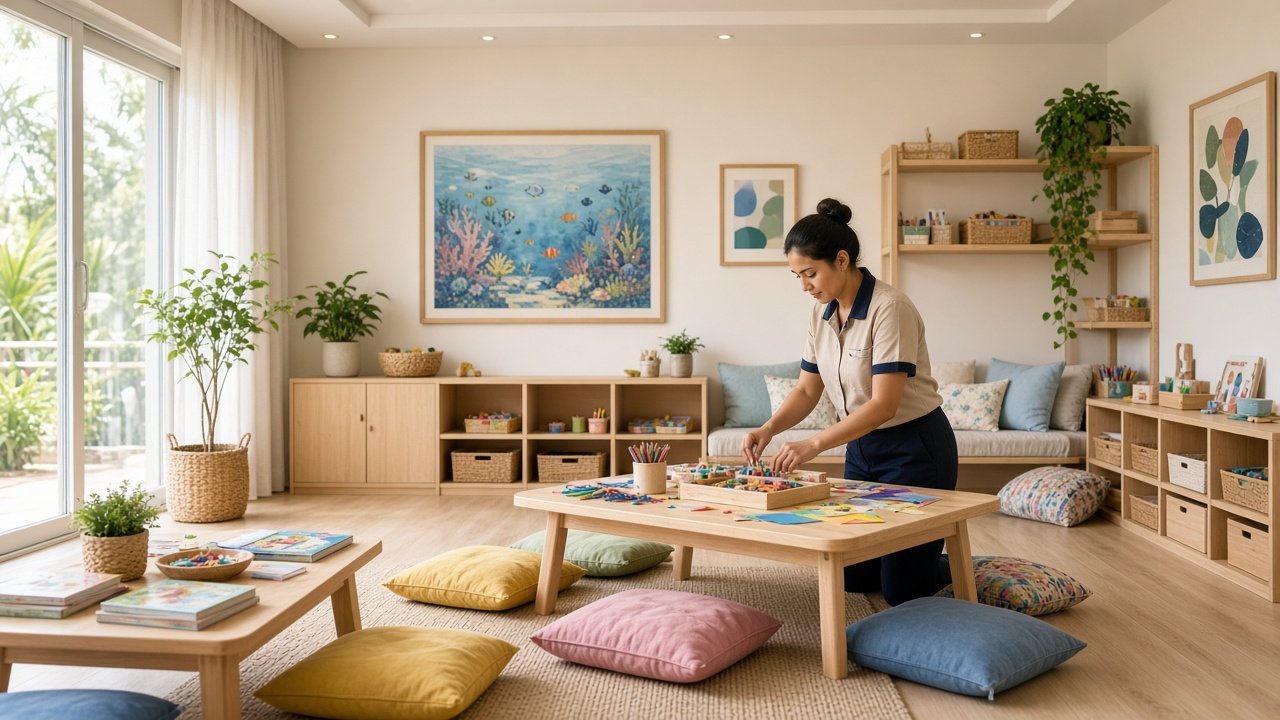
Kids club

Family

Sessions and ages the family books without calling the desk.

And moreSame stay screen

The next desk

Housekeeping, wake-up, medical, and the service the property adds next. Each one publishes the same way.

  • HousekeepingWhat to refresh, and when the room is free
  • Wake-upA call or a knock, at the minute they asked
  • MedicalWhat they need, and how urgent it is
  • Business centerPrint, a meeting room, late desk hours
The two screens

The desk on the left. The room on the right.

Staff publish a module from their desk. The guest stay screen for that room shows the same services, plus the forms the desk already knows how to read.

Staff desk

House command

Guest screens live
RoomsService deskRequests & chat
Front deskFood deskLaundry deskSpa deskFitness deskTransport deskCity info deskCurrency deskConcierge deskBanquet deskTickets desk

Treatments and appointment times the guest books from the room.

  • Swedish massage
    60 min · ₹3,200
  • Signature facial
    45 min · ₹2,400
  • Couple ritual
    90 min · ₹6,800

Spa desk → Spa

Spa updated
9:41
Guest stay
Deluxe
Room 101

Spa updated on room 101.

StayServicesChat
Stay card & desk servicesFood serviceLaundrySpaFitnessCab bookingCity guideForexConciergeBanquetTicketsStay card & desk servicesFood serviceLaundrySpaFitnessCab bookingCity guideForexConciergeBanquetTickets
  • Swedish massage
    60 min · ₹3,200
  • Signature facial
    45 min · ₹2,400
  • Couple ritual
    90 min · ₹6,800
Desk form

Housekeeping

What to refresh, and when the room is free.

Extra towels · after 11:00

Admin

The front office, field by field.

Guests & check-in

Full guest fields, an available room, and a stay token with a link the guest can open.

In-house guests

Phone, email, stay dates, ID, room reassignment, checkout, and desk notes.

Rooms

Available, occupied, cleaning, or maintenance — visible before anyone is assigned.

Requests

Every service arrives with its fields. Accept and Done notify the guest.

Guest chat

Replies land in the guest's stay thread, on the same screen as their orders.

Guest

A stay card, then the house.

The guest opens /stay/{room}?token=… and sees the assigned room, dates, and the services that desk just published. Housekeeping, wake-up, car, concierge, and medical forms each ask for the fields the desk needs.

  • Stay card
  • Food & laundry orders
  • Spa, fitness, tickets
  • Cab booking
  • City guide & forex
  • Chat with the desk
Accept / Done

When the desk accepts a request or marks it done, the guest stay screen shows that update in the same thread as the order.

Staff desks

Super admin

Full house: rooms, stays, every desk, and staff access.

Front desk

Check-in, in-house guests, room status, and stay links.

Food

Menu, hours, and room-service orders for the food desk.

Laundry

Catalog and pickup orders for the laundry desk.

Partner mobile

Transport vendors and drivers sign in on their own accounts, separate from hotel staff.

Vendor

Transport partner login for the cab company.

Driver

Assigned trips on the partner mobile app.

Save, broadcast, refresh.

01

The desk saves

A department updates its module — menu, rates, classes, city notes — and saves once.

02

The house broadcasts

The API stores that module and pushes a live update to every open staff and guest screen.

03

The room refreshes

The guest stay screen pulls the new module and redraws it. Same path for requests, chat, and notifications.

Staff

Signed-in desks. Each role sees the work it owns.

Guest

A token bound to one room and one stay. The link is the login.

House data

Module content, requests, chat, and notifications stay with the property and sync live.