14 · Kids club
Kids club
Family
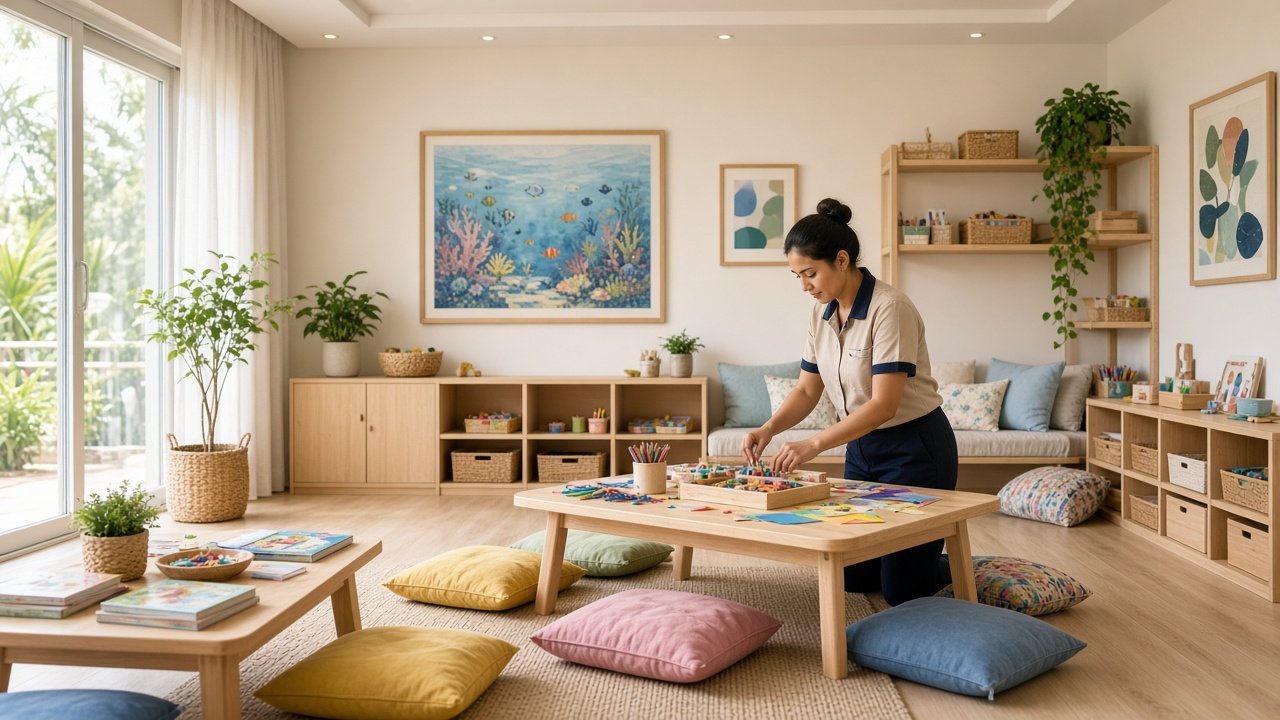
The kids club publishes sessions, ages, and where they meet. A family reserves from the room instead of calling the desk.
A session is a name, an age range, and a time. Morning studio, afternoon craft, a family hour on the lawn — the desk lists only what staff can actually host. The reservation comes back with the session and the room, so the club knows which family is coming.
On the desk
- Publish each session with ages, time, and place.
- Close a session that is full with one save.
- See reservations with the room attached.
- Accept a place or mark the session done.
On the stay screen
- The sessions running during the stay.
- Ages and time before they reserve.
- A reserve action on each session.
- Status when the club confirms the place.
How this desk runs
- 01
Publish the sessions
Name, age range, start time, and where the family should come.
- 02
Save the day
Stay screens show the new list. A cancelled session disappears on the next save.
- 03
Family reserves
They pick a session from the room. The desk receives the session and the stay.
- 04
Confirm the place
Accept holds it. Done tells the room the session has finished.
Published to the room
Guest action · Reserve
- Morning studio
Ages 4–8 · 10:00
- Afternoon craft
Ages 6–12 · 16:00
- Family hour
Lobby lawn · 17:30
What the desk receives
- Session
- The name published by the kids club.
- Ages
- Who the session is for.
- Time
- When it starts and where it meets.
- Room
- The reservation is filed against that stay.