05 · Fitness
Fitness desk
Fitness
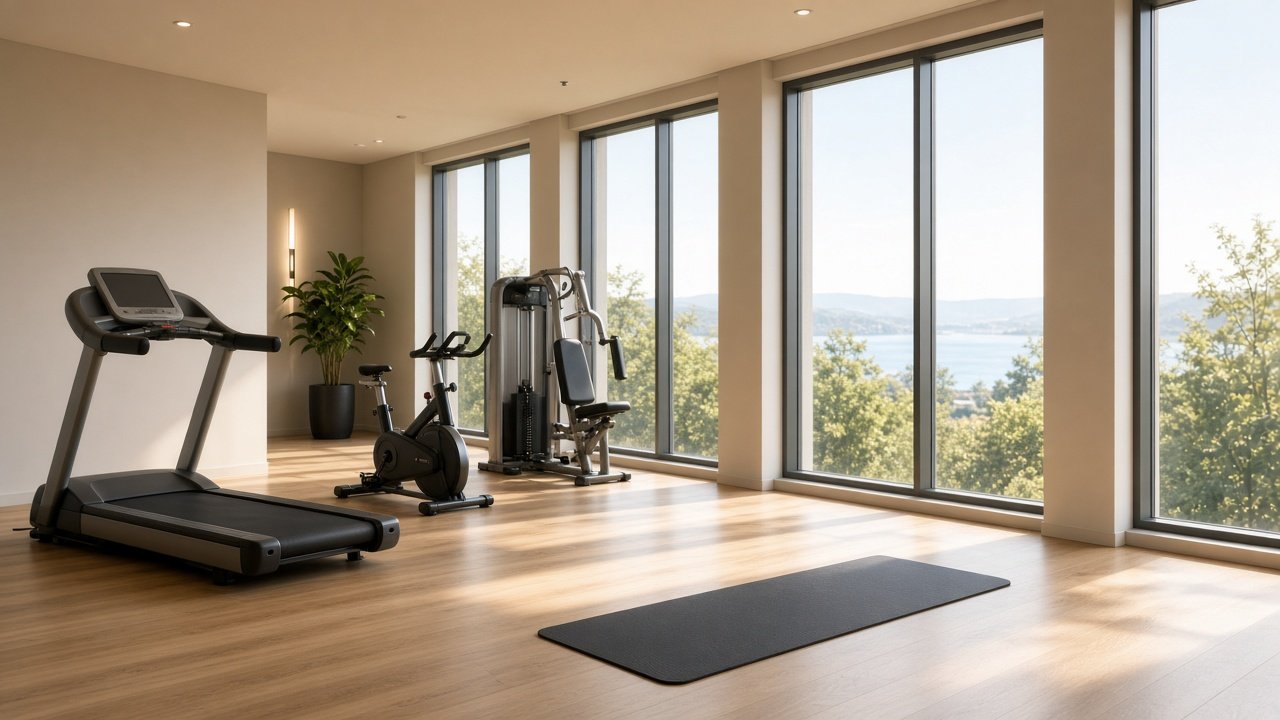
Fitness is the hours, classes, and capacity the desk wants every room to see. When a class time or the gym window changes, one save updates the stay screens.
Open gym and the day's classes live in one list: when it starts, where it meets, and how many spots the desk will promise. A guest reserves from the room. The fitness desk sees the session and the stay, and can accept it the same way other desks accept a request.
On the desk
- Publish open-gym hours and the day's classes.
- Set where a class meets and how many spots remain.
- Change a time or cancel a class with one save.
- Take reservation requests from guests.
On the stay screen
- Gym hours and the class list for the stay.
- Place and remaining spots before they reserve.
- A reserve action on a class.
- The updated schedule after the desk saves.
How this desk runs
- 01
Post the day
Open gym hours, then each class with its start time, studio or terrace, and capacity.
- 02
Save the schedule
Every open stay screen picks up the new hours. A moved yoga class does not need a phone call to the rooms.
- 03
Take a reservation
The guest reserves a class. The desk receives the session and the room that asked.
- 04
Confirm the spot
Accept holds the place. If the class is full, the desk can refuse it and the guest sees that on the stay screen.
Published to the room
Guest action · Reserve
- Open gym
Daily · 6:00–22:00
- Morning yoga
07:30 · Terrace studio
- HIIT
18:00 · 12 spots
What the desk receives
- Session
- Open gym or a named class.
- Time
- Start time and how long it runs.
- Place
- Studio, terrace, or gym floor.
- Capacity
- Spots the desk is willing to promise.